Ladders only
$9one program
- 3 pages, editable Word
- Ready for your company name
- Upload it today
Instant download after checkout. One price in Canadian dollars, paid once.
Ladders - Ontario RAVS: a 3-page Microsoft Word written safety program for ISNetworld, written for Ontario. It cites Ontario OH&S Regulation 213 Section 81(2); 82(2); 83(1)(2); 851 Section 73 (c) (d). It covers Training, Hazards and Inspection & Maintenance. Add your company name, set the issue date and revision, and upload it. $9 CAD, instant download.
Need more topics? The Ontario RAVS Library has all 23 titles for $149, about $6.48 a program.
Prices in Canadian dollars. Tax calculated at checkout.
Type your company name and pick your logo file. The preview is this document's real page header, with your name and logo where the file prints them.
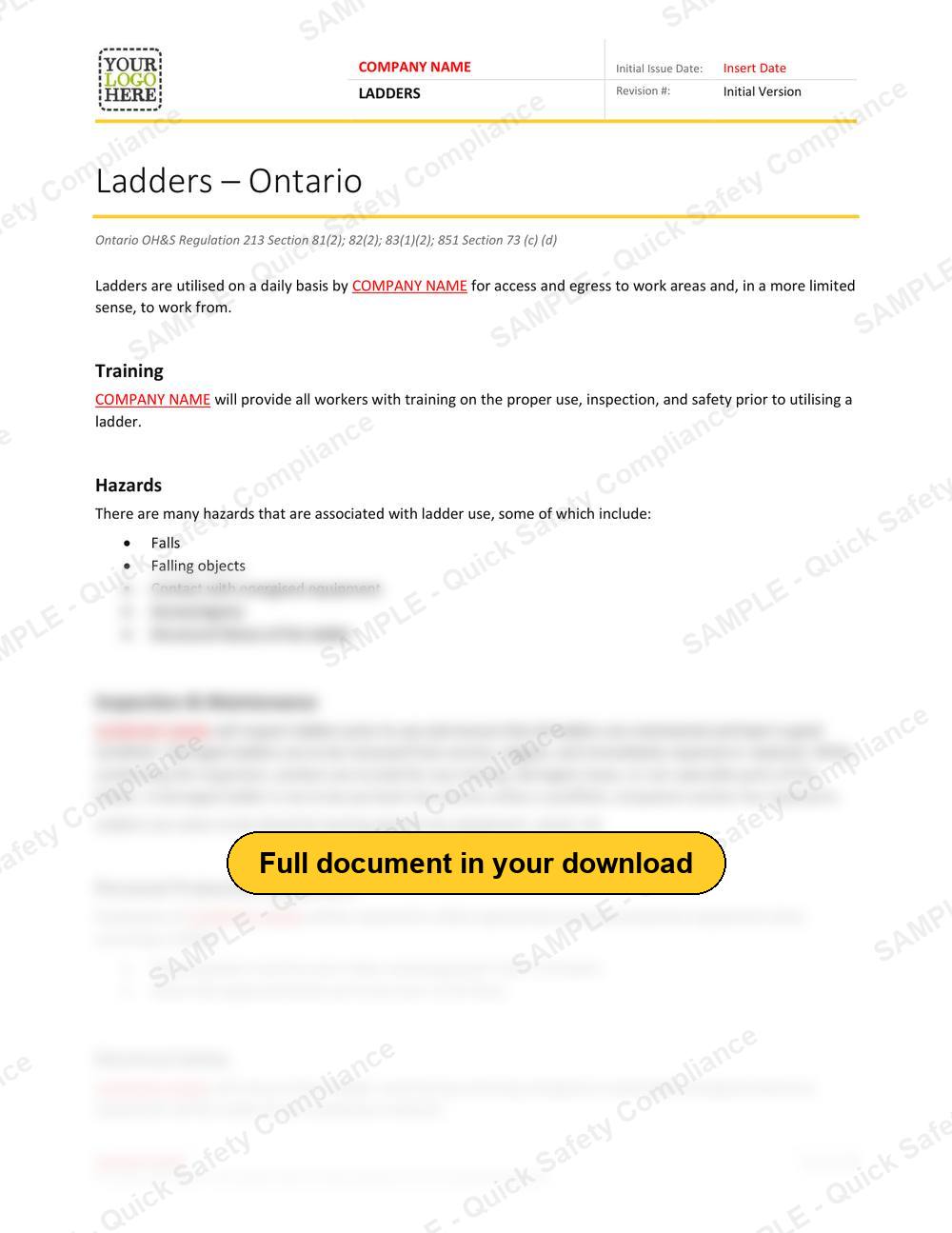
This is a preview. After checkout, the free Brand it step builds your Word file with your logo in the header and your company name in the header and in place of every COMPANY NAME in the text. A long name wraps onto a second line in the header.
Buy and download - $9Ladders, scaffolds and temporary platforms are where many falls start. A program for this equipment covers selection, set-up, inspection before use and safe use, so the platform is never the weak point.
This is the Ladders written program for contractors working on Ontario sites, written against the Ontario Occupational Health and Safety Act and its regulations. It is the document you upload for this topic when your client's ISNetworld account asks for it.
Who needs it: Building, maintenance and industrial contractors who work above ground level.
Reviewers read each program you upload against your client's requirements for your work type and province. These are the parts they look for in a ladders program, and where this file covers each one.
The 9 section headings in the file, in order. Each one is written out in full and ready for your company name.
Printed in the file, so you and the reviewer can see exactly what each requirement rests on.
Clients rarely ask for one program. Every option downloads the moment you check out.
About $6.48 a program
One Microsoft Word document (.docx), 3 pages and 760 words, in 9 sections. You download it straight after checkout and can download it again from your account.
Replace "COMPANY NAME" with your company name and fill in the initial issue date and revision number in the header. Then read it through and adjust anything that does not match how your crews work. Every word is editable.
The file cites Ontario OH&S Regulation 213 Section 81(2); 82(2); 83(1)(2); 851 Section 73 (c) (d).
Yes. The Ontario RAVS Library includes all 23 titles for $149 CAD, against $207 bought one at a time. One download, every topic on hand for this client and the next one.
It arrives already written for its province or standard, with the references shown above printed in the file. Add your company name, fill in the issue date and revision, check it matches how your crews work and upload it. ISN's reviewers then grade it against your client's requirements for your work type.
No. Quick Safety Compliance is not affiliated with or endorsed by ISN. ISNetworld and RAVS are ISN's names for its platform and its Review and Verification Services.
ISNetworld and RAVS are trademarks of ISN Software Corporation. Quick Safety Compliance is not affiliated with or endorsed by ISN. Prices in Canadian dollars; applicable tax added at checkout.