Lockout Tagout Safe Work Practice
Lockout Tagout safe work practice: a 6-page Microsoft Word document that tells your crew how to do this work safely. It covers Responsibilities, Lockout Tag Out and Isolating Energy Sources. Not tied to one province, so it fits any Canadian workplace. Add your company name and use it today. $9 CAD, instant download.
- 6 pages, 1,467 words, editable Microsoft Word (.docx)
- 13 sections, written out in full
- Your company name and logo added free after checkout (Brand it)
- Instant download, re-download any time from your account
Prices in Canadian dollars. Tax calculated at checkout.
Put your company on this safe work practice before you buy
Type your company name and pick your logo file. The preview is this document's real page header, with your name and logo where the file prints them.
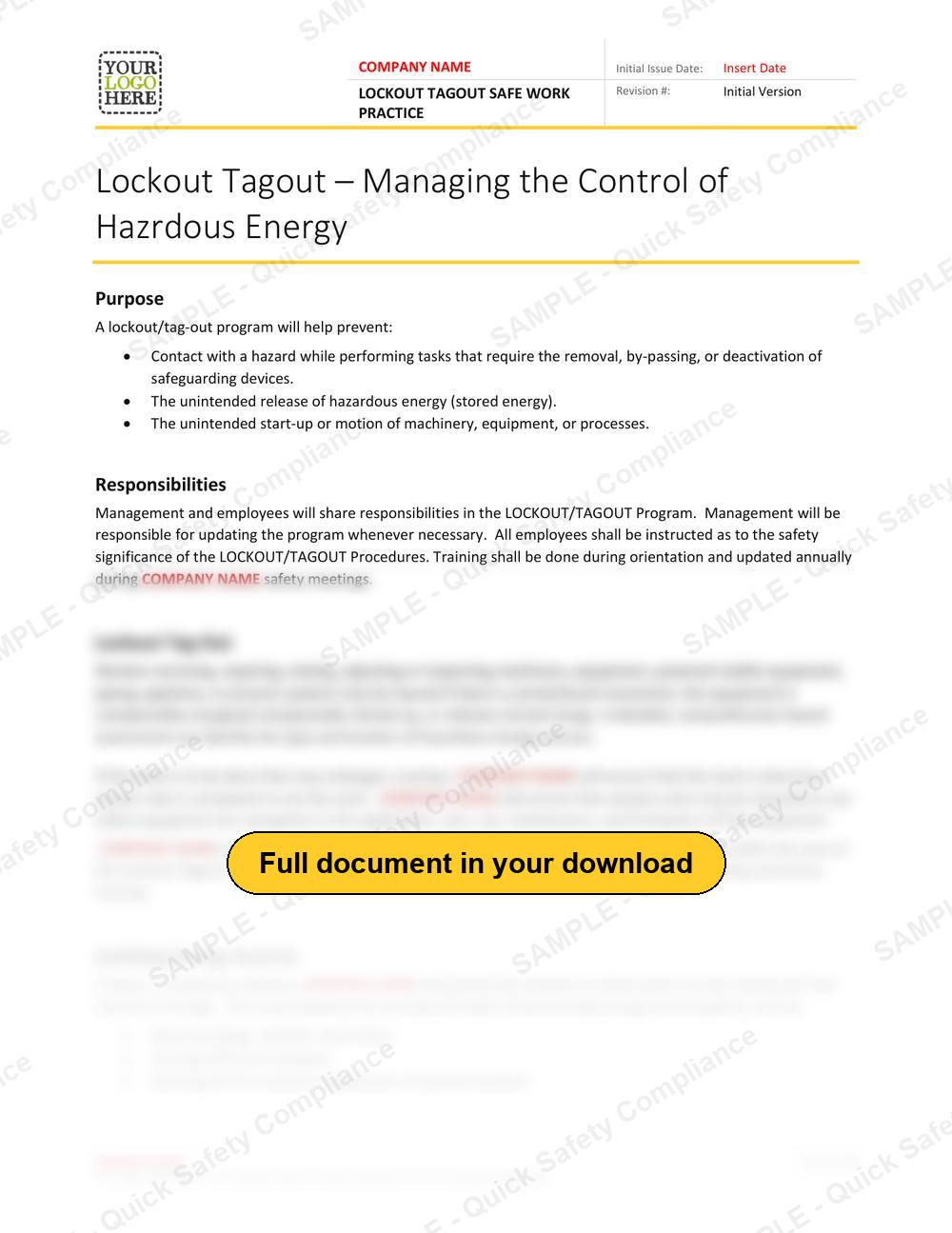
This is a preview. After checkout, the free Brand it step builds your Word file with your logo in the header and your company name in the header and in place of every COMPANY NAME in the text. A long name wraps onto a second line in the header.
Buy and download - $9The Lockout Tagout file, in numbers
- Pages
- 6
- Words
- 1,467
- Sections
- 13
- File
- Microsoft Word .docx
- Company name
- Replace "COMPANY NAME"
- Price
- $9 CAD
What is the Lockout Tagout safe work practice?
Machinery that starts unexpectedly during maintenance is a leading cause of amputations. A lockout program identifies every energy source and sets the steps to isolate, lock, tag and verify zero energy before work begins.
A safe work practice is the written "how we do this job safely" for one task or piece of equipment. This one is written for lockout tagout and is ready for your company name, so crews, supervisors and clients all read the same rules.
Who needs it: Maintenance, mechanical, electrical and plant contractors.
What a good lockout tagout safe work practice covers
- Identifying every energy sourceIn this file: "Isolating Energy Sources", "Isolating Energy Sources on Piping, Pipelines or Process Systems"
- Isolation, locks and tagsIn this file: "Lockout Tag Out", "Isolating Energy Sources", "Isolating Energy Sources on Piping, Pipelines or Process Systems"
- Verifying zero energy before workIn this file: "Zero Energy", "Definition of Zero Energy State"
- Removing locks and returning to serviceIn this file: "Removal of Locks"
- Purpose and scope: what the program covers and who it applies toIn this file: "Purpose", "Definition of Zero Energy State"
- Responsibilities of management, supervisors and workersIn this file: "Responsibilities"
Every section of the Lockout Tagout safe work practice
The 13 section headings in the file, in order.
- Purpose
- Responsibilities
- Lockout Tag Out
- Isolating Energy Sources
- Maintenance while Equipment is in Operation
- Isolating Energy Sources on Piping, Pipelines or Process Systems
- Zero Energy
- Definition of Zero Energy State
- Lockout Tagout Devices
- Group Lockout
- Removal of Locks
- Training
- Lockout & Isolation List
In use today, in three steps
- Download and open it in WordThe file is ready the moment checkout completes. It opens in any current version of Microsoft Word.
- Make it yoursAdd your logo, replace "COMPANY NAME" with your company name in one find and replace, and fill in the initial issue date and revision #.
- Put it to workRead it through, adjust anything that does not match how your crews work, and sign it off.
More safe work practices
All safe work practicesLockout Tagout, answered
What do I get with the Lockout Tagout safe work practice?
One Microsoft Word document (.docx), 6 pages and 1,467 words, in 13 sections: Purpose, Responsibilities, Lockout Tag Out, Isolating Energy Sources, Maintenance while Equipment is in Operation and Isolating Energy Sources on Piping, Pipelines or Process Systems. You download it straight after checkout.
Is it written for my province?
Safe work practices describe how a task is done safely, so they are not tied to one province. Use it alongside your provincial safety program, and adjust any step to match your equipment and site rules.
How do I make it mine?
Replace "COMPANY NAME" with your company name, add your logo, and read it through with the crew that does the work. Every word is editable.